Debugging serial communications at the bit level often requires manual cycle counting and hex translation. RouteWave includes built-in protocol translators that parse digital signal transitions and render formatted transactions directly alongside waveform traces.
Attaching the UART Translator
To attach the UART 8N1 translator to a digital channel, invoke the translate command from the interactive console:
translate uart_rx uart_8n1
The translator reconstructs byte frames from signal transitions using standard 8-data-bit framing without parity. To view all available protocol decoders compiled into the runtime, run translators:
translators
RouteWave lists supported protocols including uart_8n1, i2c, spi_mode0, and byte stream decoders. For multi-channel interfaces such as I2C, passing both SDA and SCL merges the channels:
translate sda scl i2c
Inspecting Signal Transitions
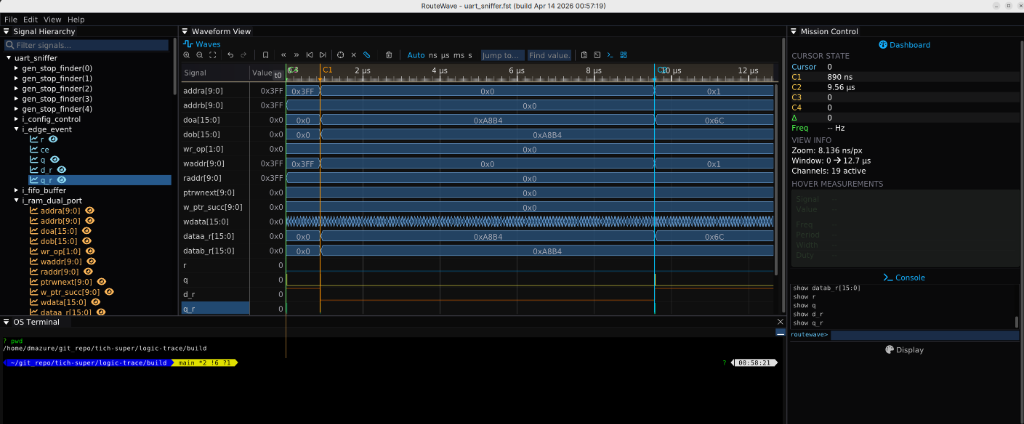
Once translated, signal transactions align with simulation timestamps across the display. Engineers can inspect bus activity alongside clock and reset nets to verify transmitter timing and receiver sampling intervals.
You can save the active signals and cursor positions into a workspace file (.ltws) from File → Save Workspace…, or record setup commands into .ltr macro files for automated replay.